

Wanascope for iPhone
Available on the App StoreTurn a clear plan into a focused study session.
Use Wanascope on the web to see what matters next. On iPhone, take the lessons, complete the reviews, and keep your WaniKani progress moving without losing context.

Scan with iPhone
- Free to use; optional tips never unlock features.
- No ads, cross-app tracking, or third-party analytics SDK.
- WaniKani changes happen only after a study action you choose.
ONE COMPANION, TWO FOCUSED ROLES
Plan on a bigger canvas. Study wherever you are.
Plan, learn, and review on the web. The iPhone app brings the same study loop into a focused native experience.
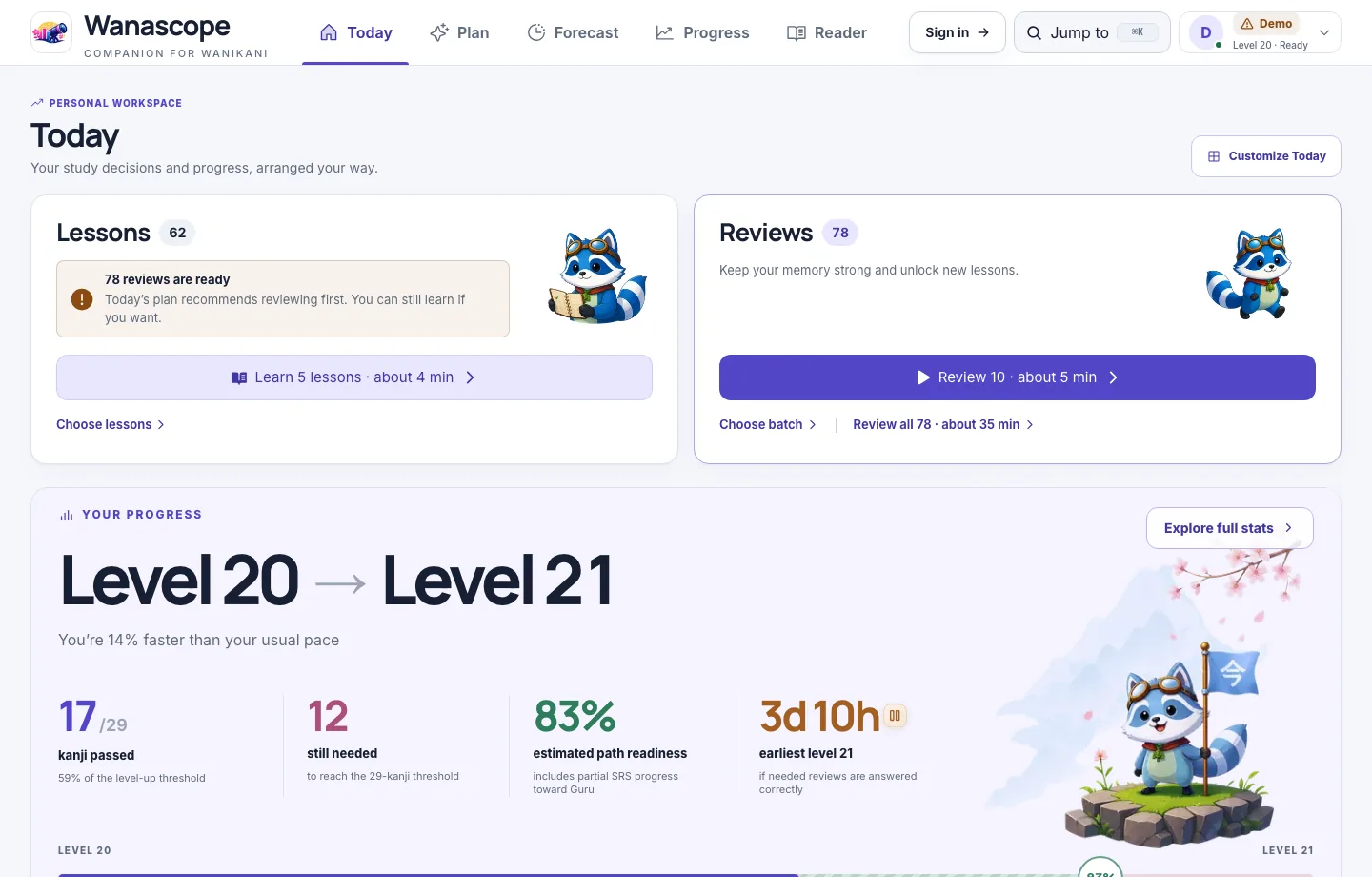
See the whole study day
Review waves, lesson load, level-up timing, progress history, and coverage stay easy to compare on a larger screen.
Complete the next useful action
Choose a small batch, learn the details, submit reviews, and return when a local reminder says the next wave is ready.
THE FULL STUDY LOOP
Built for the moments when you are ready to learn.
Every screen keeps the current task clear, the next step visible, and the surrounding study context close by.
Study
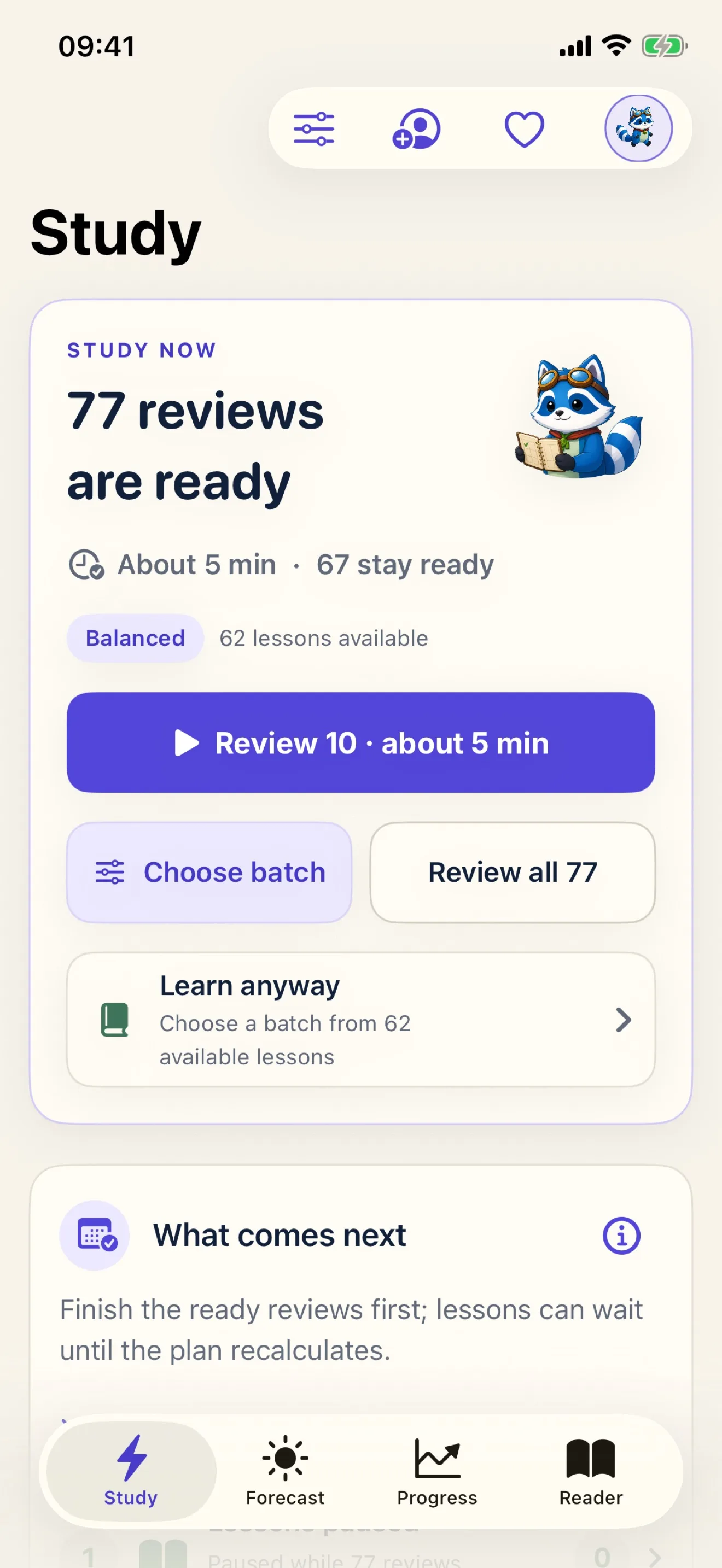
Choose a manageable batch from the work that is ready now.
Lessons
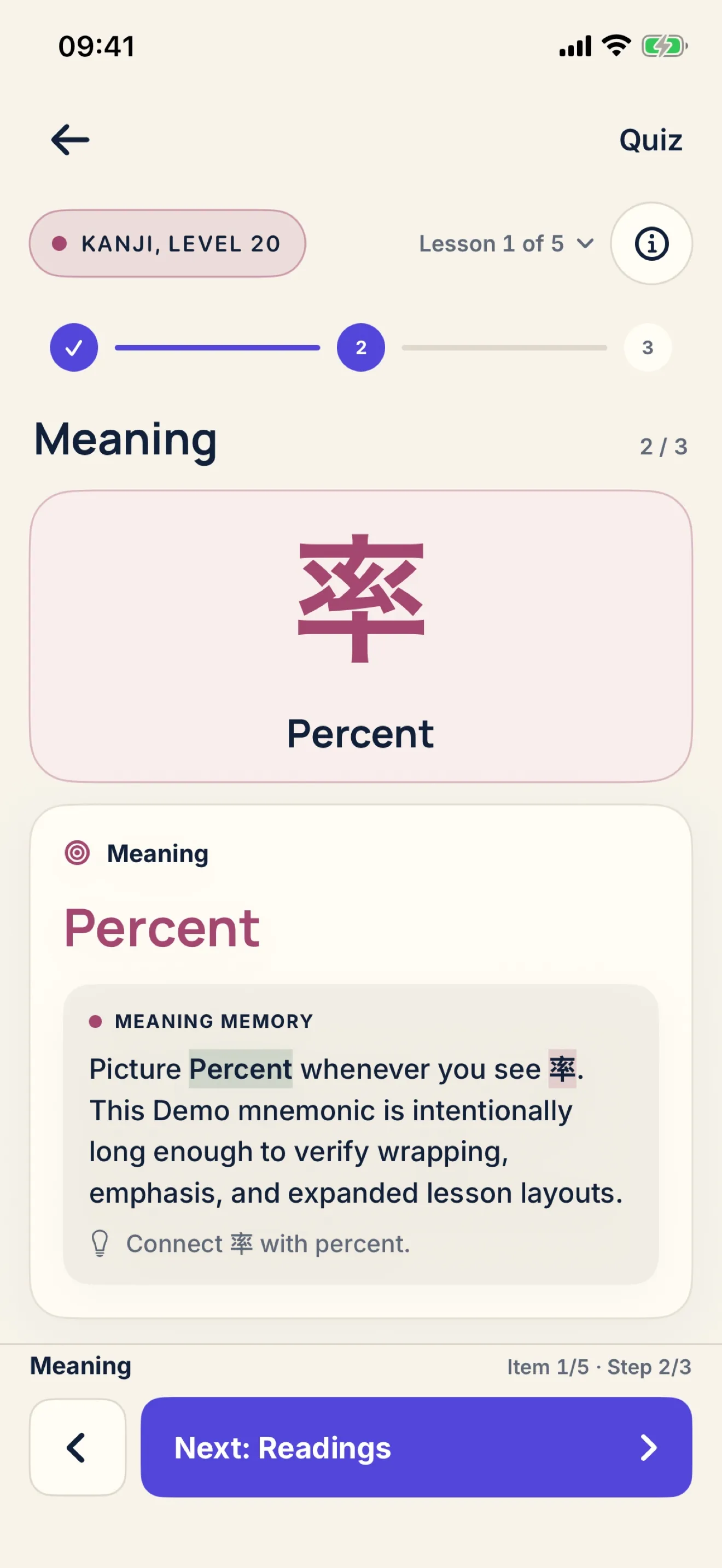
Move through meaning, reading, memory, and quiz without losing your place.
Reviews
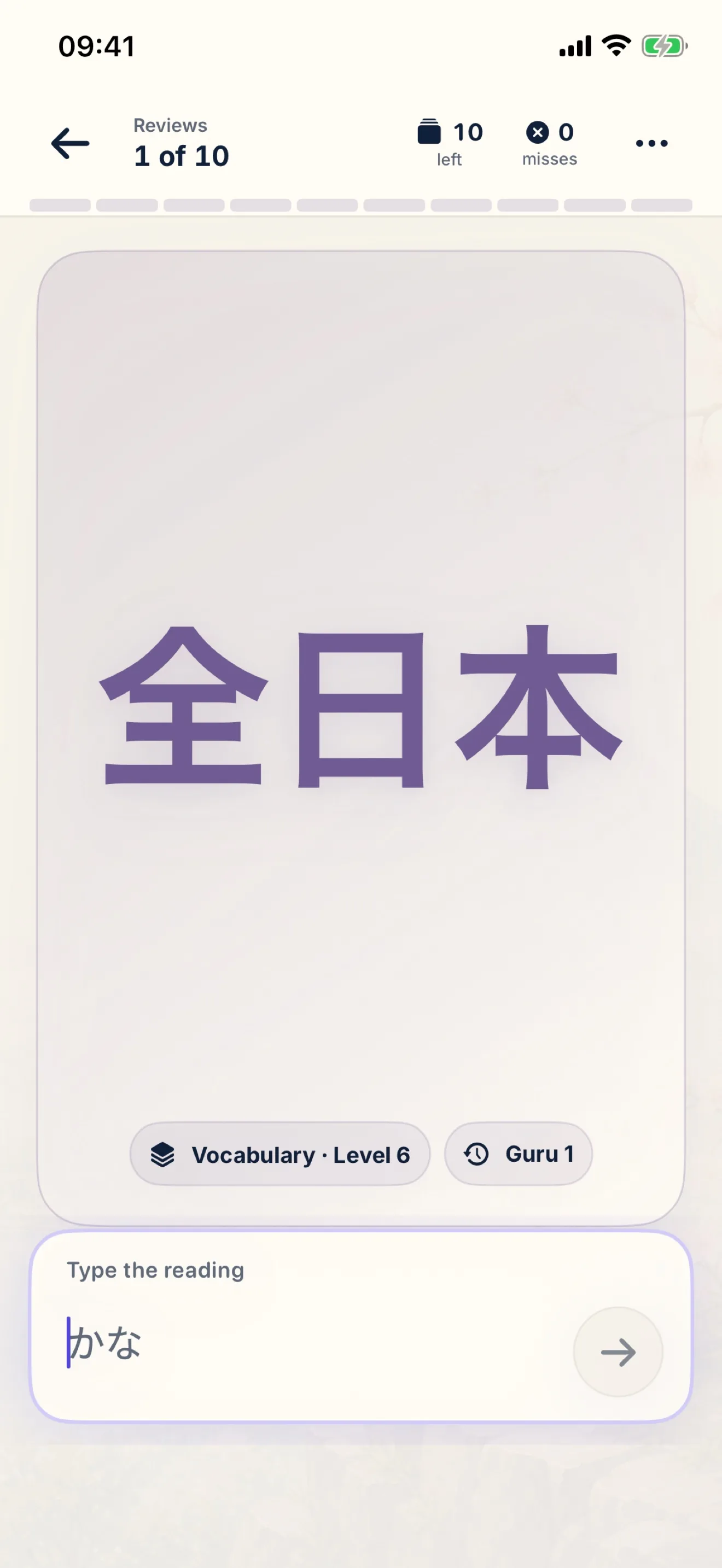
Answer directly on iPhone with progress and details kept in view.
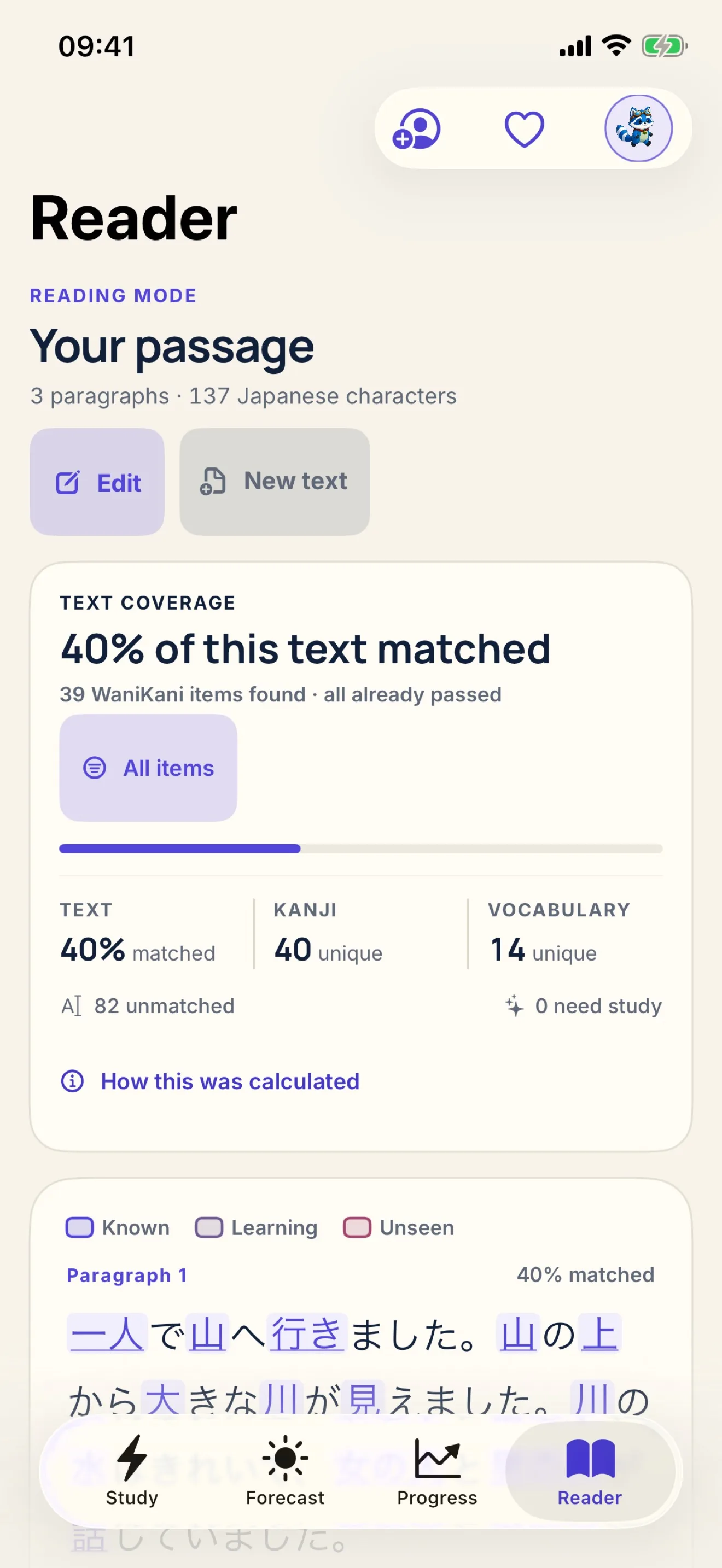
Reader
Use your WaniKani progress to inspect Japanese text on your device.
PRIVATE BY DESIGN
Your study data stays close to the device.
Wanascope uses the access needed for a complete study flow while keeping network, storage, and notification boundaries explicit.
Token in Keychain
Your WaniKani token stays in the iOS Keychain and is sent directly to WaniKani for authenticated requests.
Local study data
Cached learner data, resumable sessions, preferences, and Reader text stay in the app container.
Local reminders
Review reminders use Apple's local notification framework; Wanascope does not collect an APNs token.
Explicit study actions
Dashboard sync reads data. Write permissions are used only after a lesson, review, or note action you start.
Available on the App Store
Your next study session, ready for iPhone.
Download Wanascope on the App Store, then use the web dashboard and iPhone study flow as two focused parts of the same daily plan.